
Cybersecurity for Small Businesses: 10 Simple Steps to Reduce Risk. Explore practical steps, useful tips and key considerations for individuals, schools and organizations.
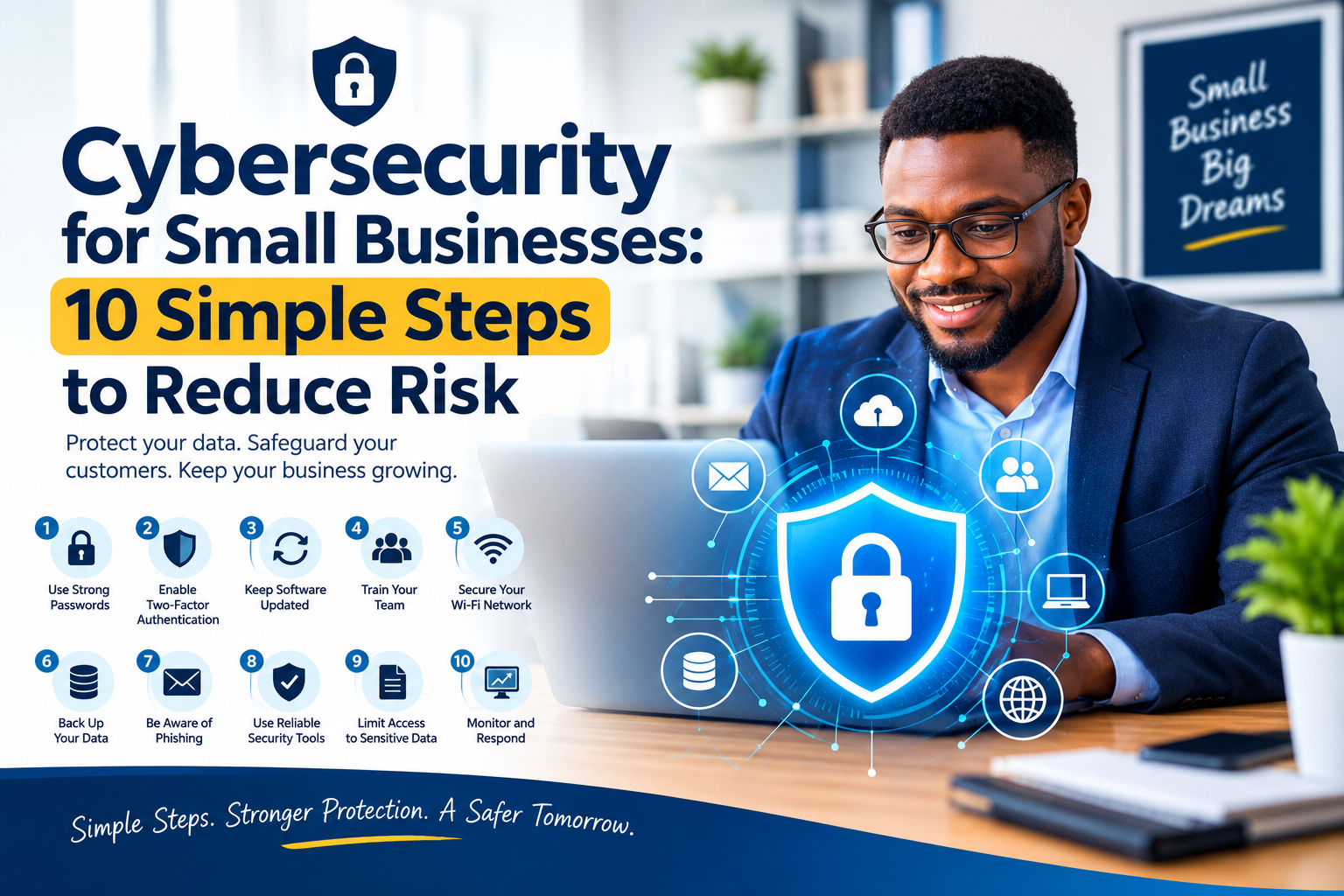
Cybersecurity is not only a concern for banks, government agencies or large technology companies. Small businesses also hold valuable information: customer contacts, invoices, staff records, login details and business plans. A single compromised account can disrupt operations and damage trust.
The good news is that several practical habits can reduce common risks.
Use strong, unique passwords
Avoid reusing the same password across services. A password manager can help create and store unique passwords securely.
Turn on multi-factor authentication
Multi-factor authentication (MFA) adds another verification step beyond a password. Enable it first for email, banking, cloud storage and administrator accounts.
Keep devices and software updated
Updates often fix security weaknesses. Turn on automatic updates where appropriate, and replace software that no longer receives security support.
Train staff to recognize phishing
Phishing messages may imitate a supplier, bank, delivery company or manager. Be cautious with urgent requests, unexpected attachments and links asking you to sign in. Confirm unusual payment requests through a separate, trusted channel.
Back up important information
Keep regular backups of essential files and test that you can restore them. A backup that has never been tested may not help during an emergency.
Limit access
Staff should only have access to the systems and records needed for their work. Remove access promptly when someone changes roles or leaves the organization.
Secure Wi-Fi and routers
Change default administrator passwords, use modern Wi-Fi security, and update router firmware. Keep guest Wi-Fi separate from systems containing sensitive business information where possible.
Protect phones and laptops
Use screen locks, device encryption and remote-wipe features when available. Avoid leaving devices unattended in public places.
Choose vendors carefully
Ask service providers how they protect information, manage access and respond to incidents. Review permissions granted to apps and integrations.
Prepare an incident plan
Write down who to contact, how to isolate affected devices, where backups are stored and how customers or regulators will be notified if required. Do not wait for an incident to decide who is responsible.
What to do if you suspect an attack
Use a trusted device to change affected passwords, revoke suspicious sessions, contact your IT provider or relevant service provider, and preserve evidence. If a business system is compromised, avoid deleting logs or making unplanned changes that could complicate investigation. Depending on the incident, legal or regulatory notification duties may apply.
Build a security culture
Cybersecurity works best when staff can report mistakes quickly without fear of embarrassment. A person who clicks a suspicious link should know how to report it immediately.
Final thoughts
No single tool can eliminate cyber risk. A combination of secure accounts, updated devices, staff awareness, tested backups and a clear response plan gives a small business a practical foundation. Review these steps regularly as your business and technology change.
About the Author
Godwin Ogazi is a technology leader, digital transformation strategist, educator, and entrepreneur. He is the Founder and CEO of Soteria Tech Global Resources Ltd, with interests in AI, cybersecurity, digital literacy, Internet governance, and educational technology. He is passionate about using technology to solve real-world problems, empower communities, and create opportunities through digital skills and innovation across Africa.
Connect with the Author: Godwin Ogazi